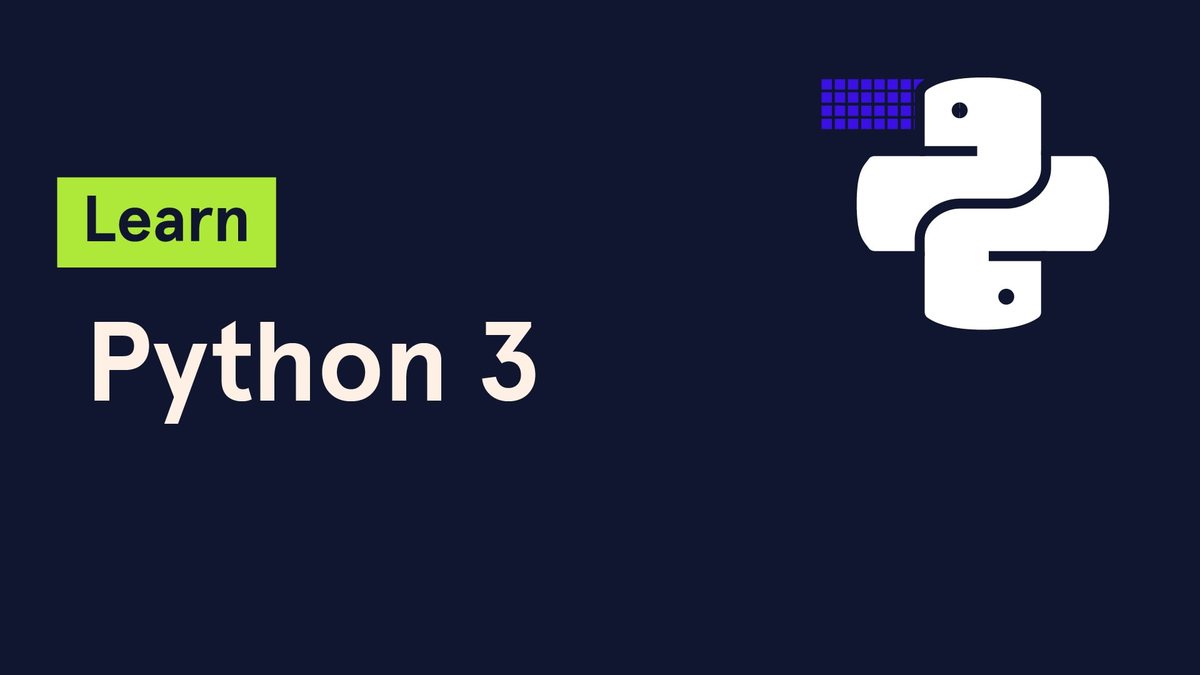
Python is the easiest serious language to start with. In about ten minutes you will have it installed and your first real script running.
Step by Step
- Download Python from python.org and run the installer — on Windows, tick 'Add Python to PATH' before clicking Install.
- Open a terminal (Command Prompt, Terminal, or your Linux shell) and type python --version to confirm the install worked.
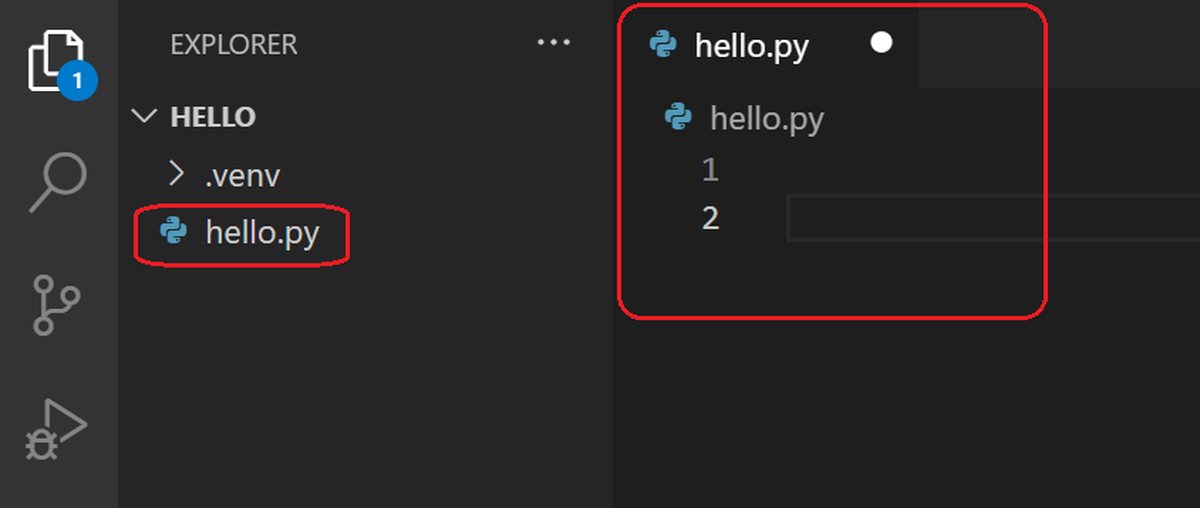
- Create a folder for your practice files, and inside it a file named hello.py using any text editor.
- Type print("Hello, world!") on the first line, then add two more lines: your name in a variable, and a print that uses it.
- Back in the terminal, run python hello.py — you should see your lines printed in order.
- Break it on purpose: delete a quote, run it again, and read the error message. Learning to read errors is half of programming.
You now have a working setup. Next steps: variables, if conditions and loops — the three building blocks of every program you will ever write.
Enjoying TCBuzz? Get the Briefing.
The five most important tech stories, one tutorial and one fact — in your inbox every weekday morning, free.
You're on the list — please check your inbox to confirm your subscription.
No spam · Unsubscribe in one click · See our Privacy Policy