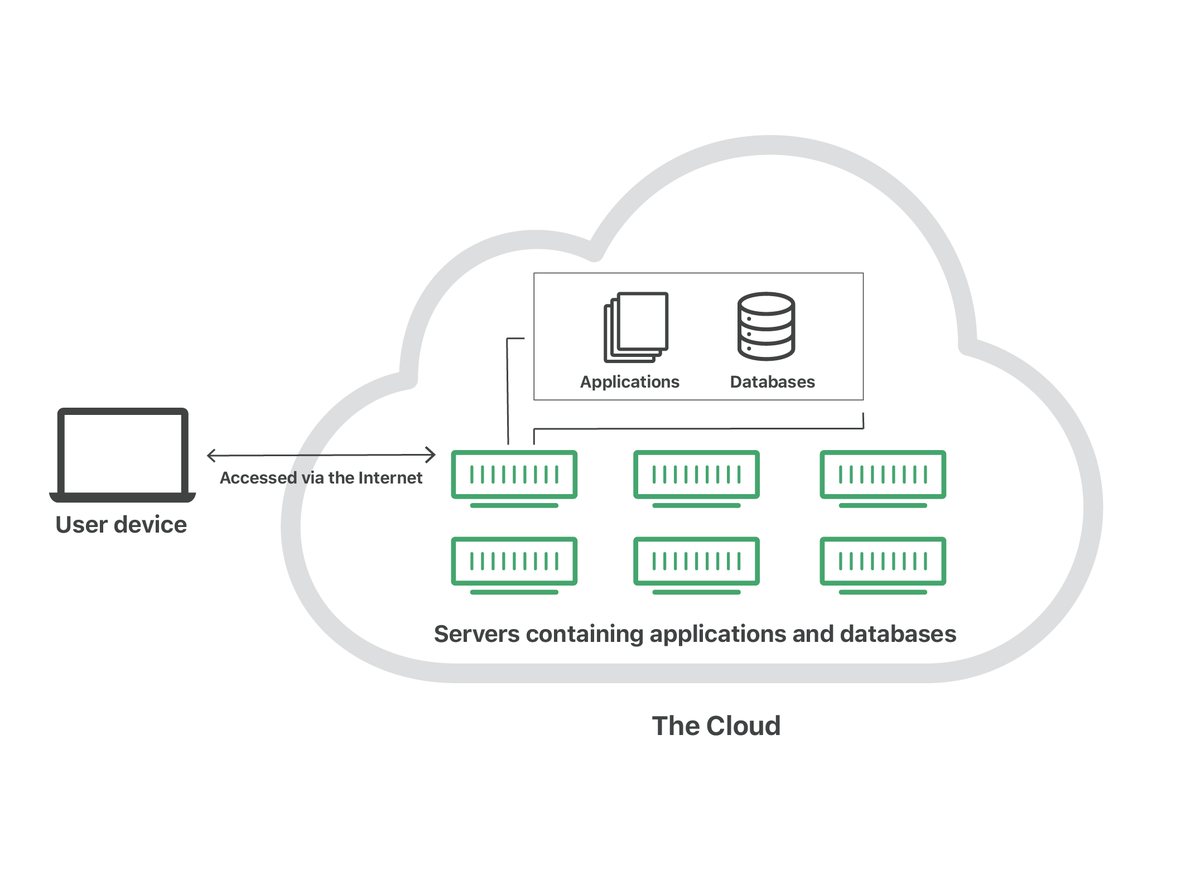
Most AI chatbots live on someone else's servers, which means your questions travel to a data center and the service can change, slow down, or disappear at any time. Ollama takes the opposite approach: it brings the AI model to your computer. You download a model once, and from then on it answers locally — even with the internet unplugged.
Under the hood, Ollama wraps open-weight models such as Meta's Llama family, Mistral, and Google's Gemma into a single friendly package. One command pulls a model, another starts a conversation in your terminal, and a built-in local API lets other apps and scripts talk to the same model. It runs on Windows, macOS, and Linux, and it automatically uses your graphics card when one is available to answer faster.
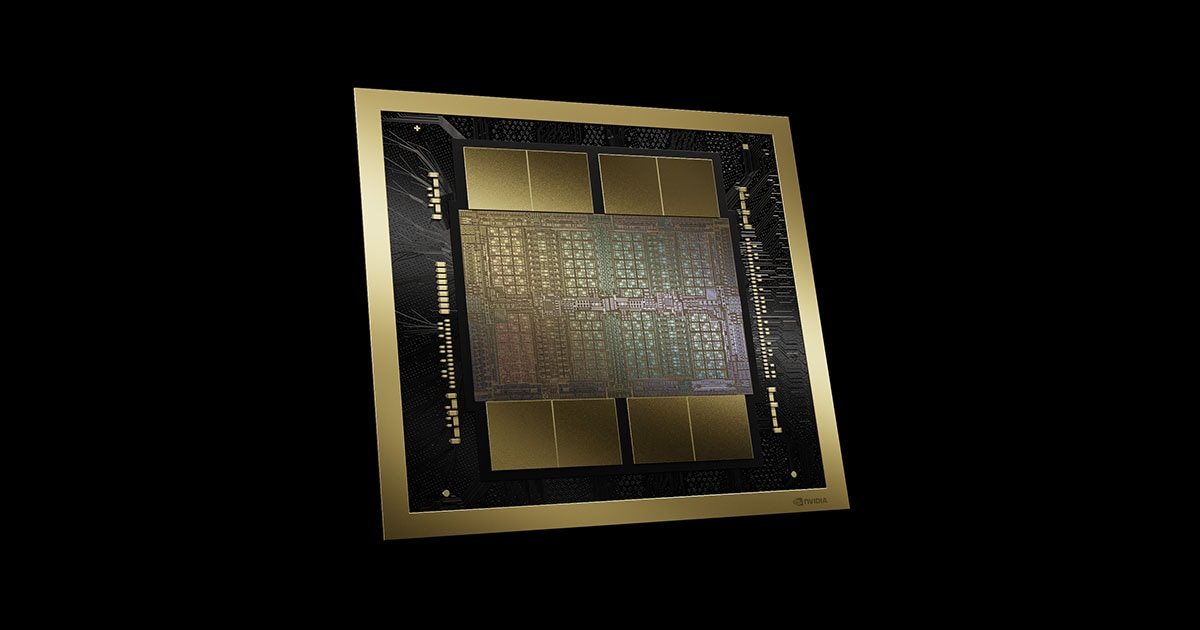
Getting started takes minutes: install Ollama from ollama.com, run a single download command for the model you want, and start chatting. It is completely free and open source. The honest catch is hardware — small models run happily on an ordinary laptop, while the biggest ones want plenty of memory and a decent graphics card.
Why it matters: local AI means privacy by design, zero per-question cost, and a tool that keeps working offline and under your control. For developers it is the easiest way to prototype AI features; for everyone else it is proof that capable AI no longer belongs only to giant cloud companies.