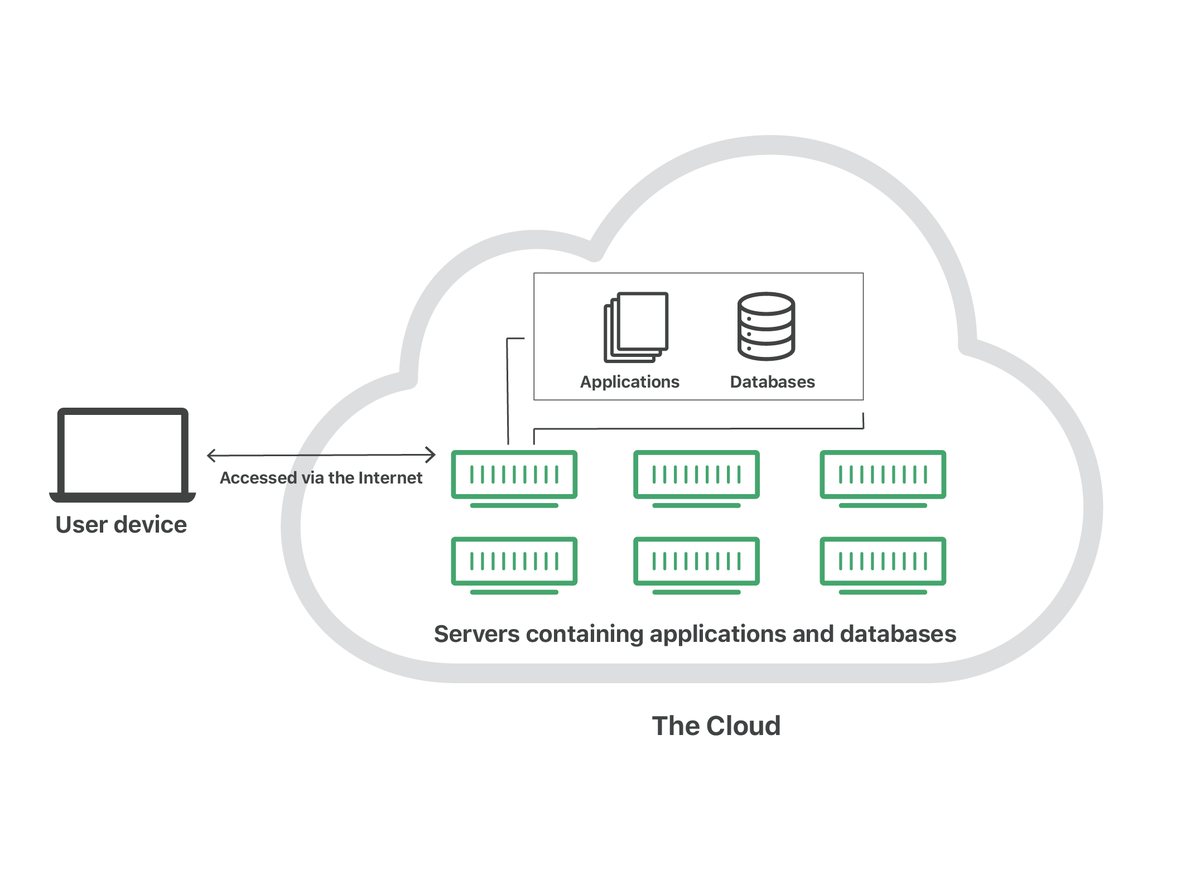
Putting a site online sounds like a server project — for a static page it is a ten-minute upload. This tutorial goes from local files to a live URL.
Step by Step
- Make sure your site is one folder containing index.html plus its images and styles, with relative paths (assets/photo.jpg, not C:/…).
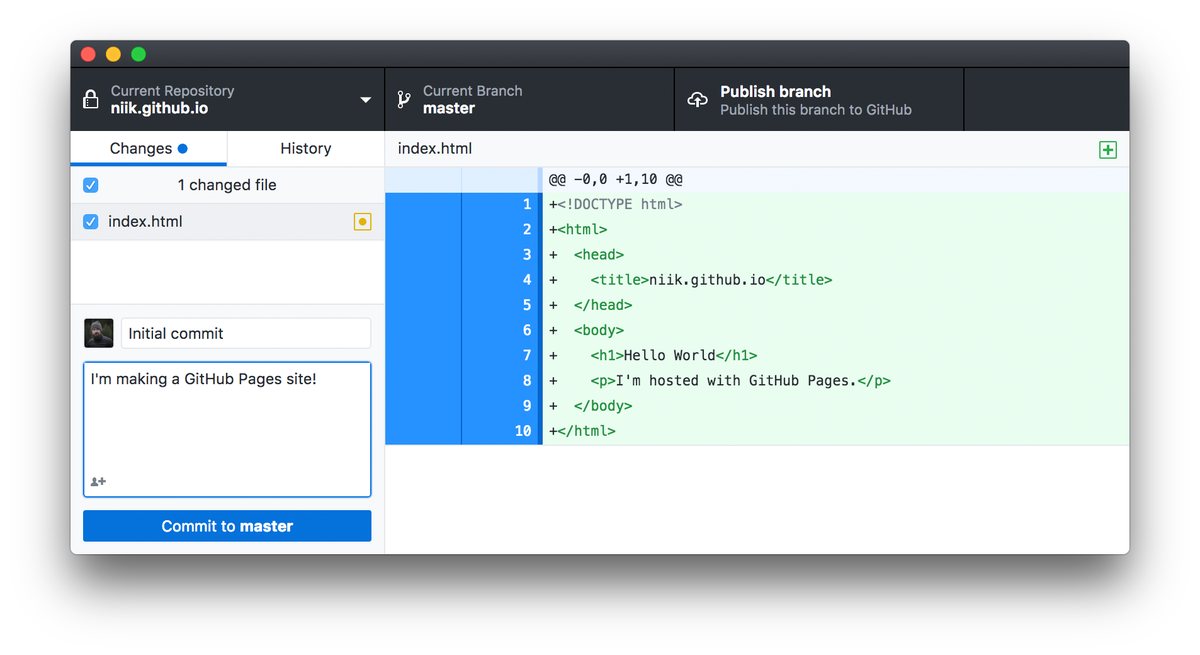
- Create a free account on a static hosting service (for example GitHub Pages, Netlify or Cloudflare Pages).
- Upload the folder — drag-and-drop deployment is fine for a first site — and wait for the build to finish.
- Open the public address the host gives you and click through every page and image to confirm nothing is missing.
- Fix the classic failure: images that worked locally but 404 online are almost always a path or capital-letter mismatch.
- Optional but smart: connect a custom domain later — the site itself does not change, only its address.
Your page is now reachable from anywhere in the world. Every professional site, however large, started with exactly this deploy.
Enjoying TCBuzz? Get the Briefing.
The five most important tech stories, one tutorial and one fact — in your inbox every weekday morning, free.
You're on the list — please check your inbox to confirm your subscription.
No spam · Unsubscribe in one click · See our Privacy Policy