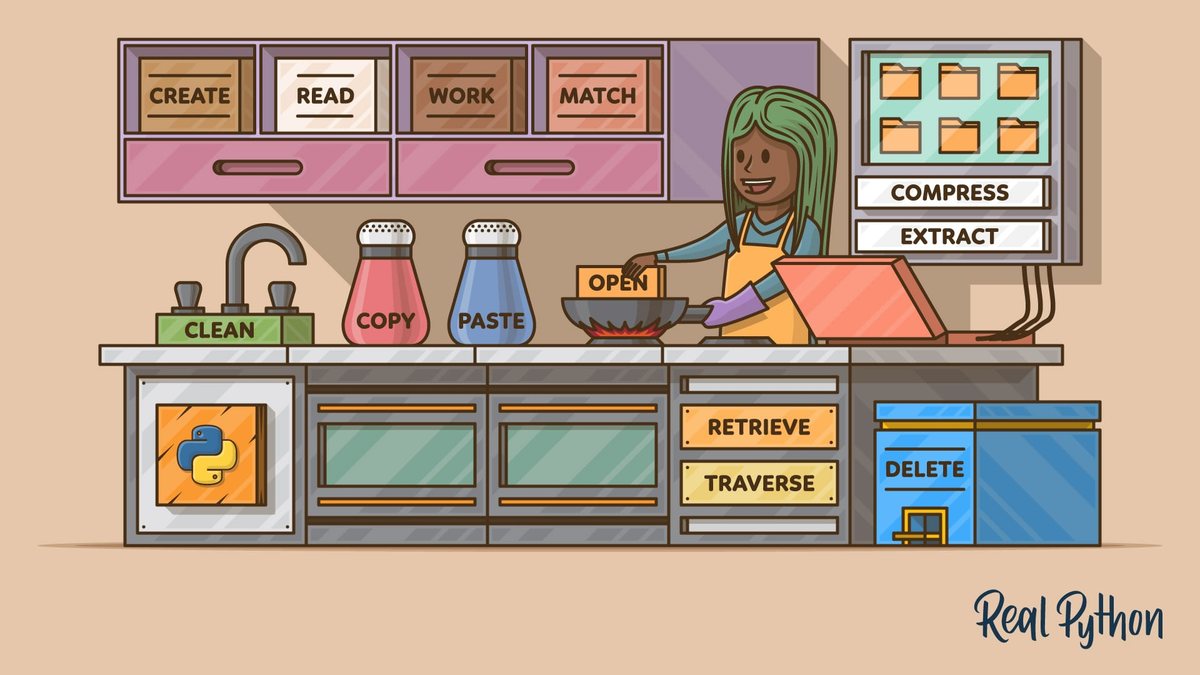
Renaming files by hand is the classic task a computer should do for you. This tutorial builds a small, safe renaming script — with a dry-run preview before anything changes.
Step by Step
- Create a practice folder with copies of a few files — never experiment on originals.
- Write a script that lists the folder with os.listdir() and prints every filename, so you can see exactly what the script sees.
- Build the new name for each file with a pattern, for example photo-001.jpg, using an index counter and the original extension.
- Print old name → new name pairs first (the dry run). Only when the preview is perfect, uncomment the os.rename() line.
- Run the script and check the folder: every file should match the preview exactly.
- Add one safety rule: skip any file whose new name already exists, and print a warning instead of overwriting.
The pattern generalizes to sorting downloads, dating backups, or cleaning camera exports. Twenty minutes of scripting can delete hours of weekly drudgery.
Enjoying TCBuzz? Get the Briefing.
The five most important tech stories, one tutorial and one fact — in your inbox every weekday morning, free.
You're on the list — please check your inbox to confirm your subscription.
No spam · Unsubscribe in one click · See our Privacy Policy