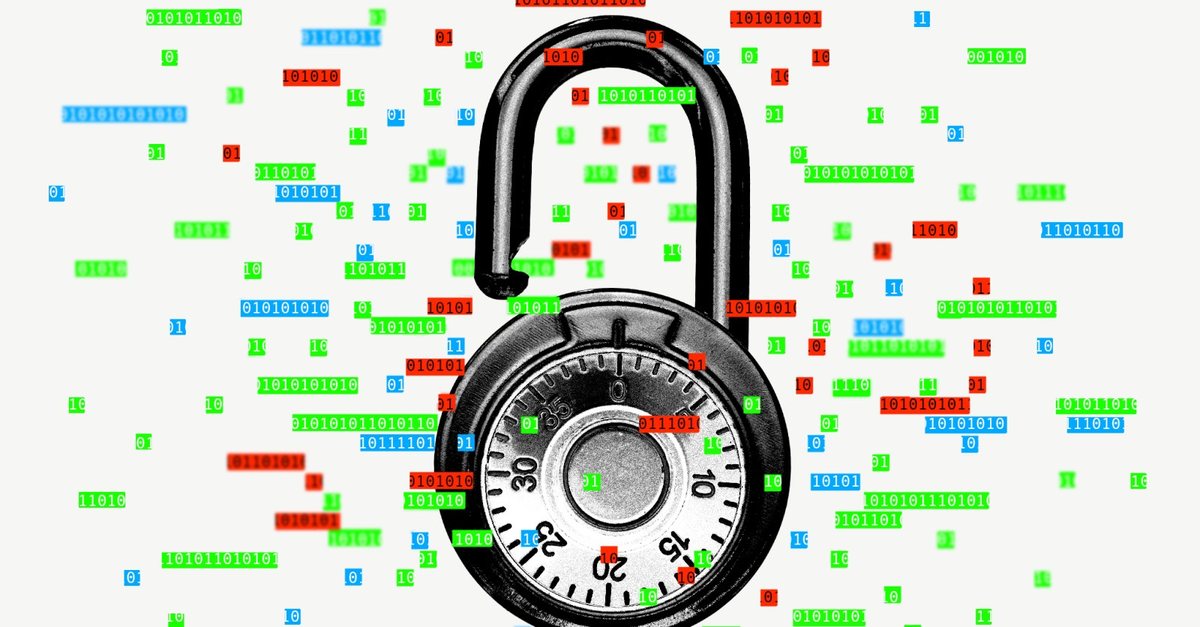
Data breaches at big services are now routine, and the leaked data is traded for years. This tutorial checks whether your email appears in known leaks and walks through the response that matters.
Step by Step
- Go to a reputable breach checker (such as haveibeenpwned.com) and enter your email address — never enter your password on any checking site.
- Note which breaches list your address and, more importantly, what data types were exposed (passwords, phone numbers, addresses).
- Change the password on every breached service first — and anywhere else you reused the same password.
- Turn on two-factor authentication for those accounts, preferably with an authenticator app rather than SMS.
- Watch for phishing emails that reference the breached service by name — leaked data makes scams far more convincing.
- Set a calendar reminder to re-check every few months; new breach collections surface regularly.
A leak listing is not a disaster — it is a to-do list. Unique passwords plus 2FA turn most leaked data into useless data.
Enjoying TCBuzz? Get the Briefing.
The five most important tech stories, one tutorial and one fact — in your inbox every weekday morning, free.
You're on the list — please check your inbox to confirm your subscription.
No spam · Unsubscribe in one click · See our Privacy Policy